Quick Scan - QR Code Reader1.2.14
Publisher Description
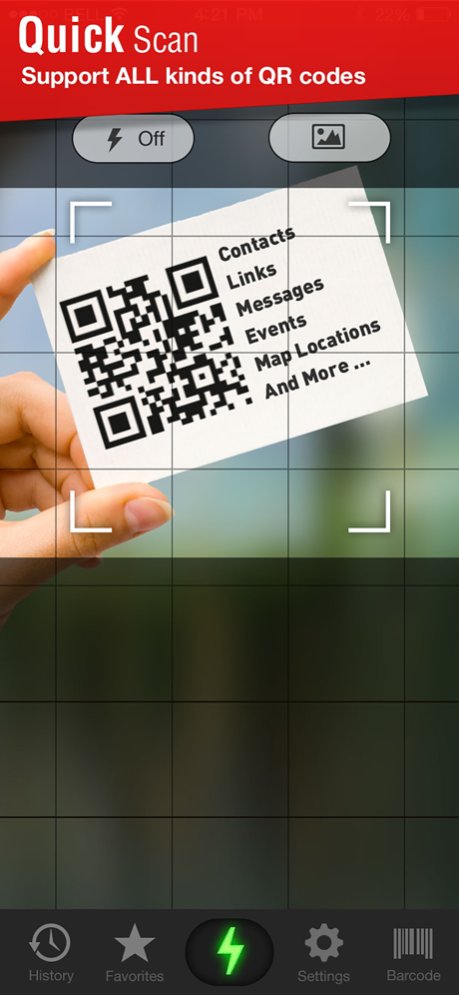
The quickest and most powerful QR code Reader, ever!
Quick Scan helps you scan and decode all the QR codes around you, including contact, detail, plain text, website URL, telephone number, SMS message, email address, email message, calendar event, locations and more. It is transforming your life towards an easier and more convenient way.
Features:
- Fastest QR Code and Data Matrix scanning
- Auto decode all types of QR codes: contact details, plain text,
website URL, telephone number, SMS message, email address, email
message, calendar event, locations...
- Scan Barcodes & QR codes from photos in your Photo Roll
- Perform all the actions related to the QR code without quitting the app
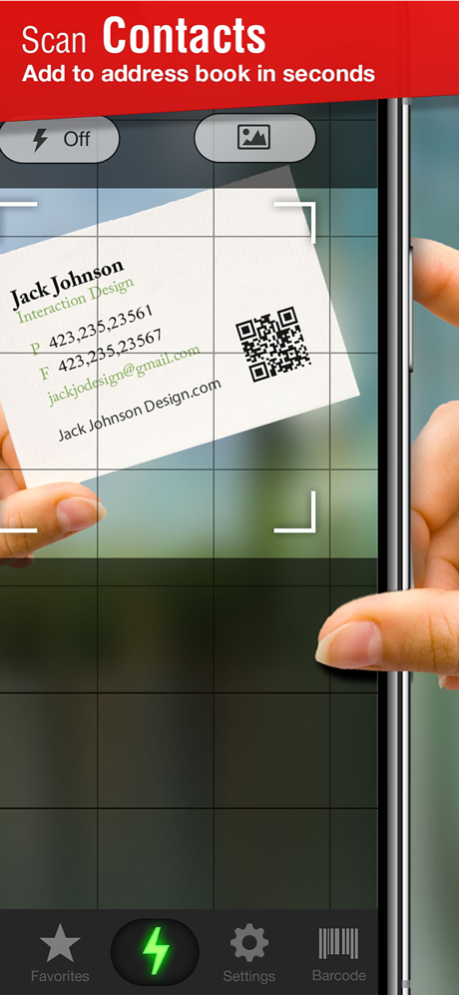
- Add contacts directly into address book
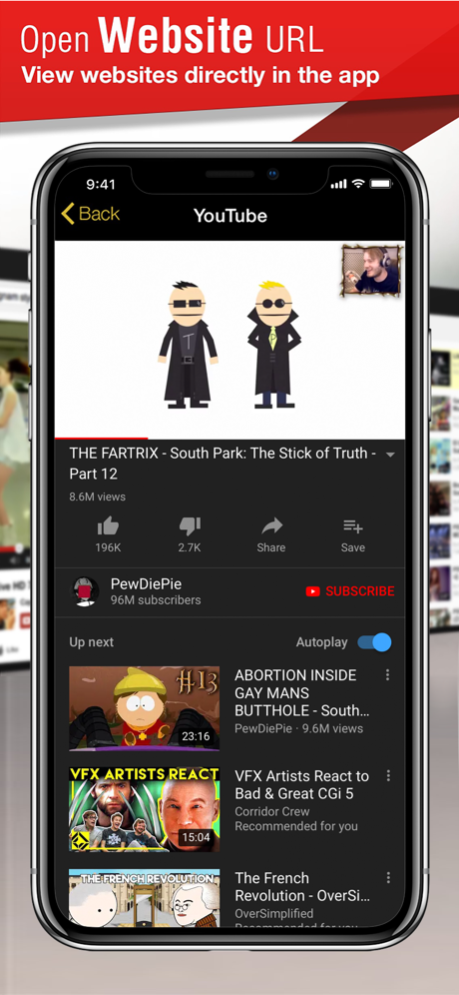
- Open web links and map locations directly in the app
- Embedded SMS and Email sending
- Add new events to iCal in the app
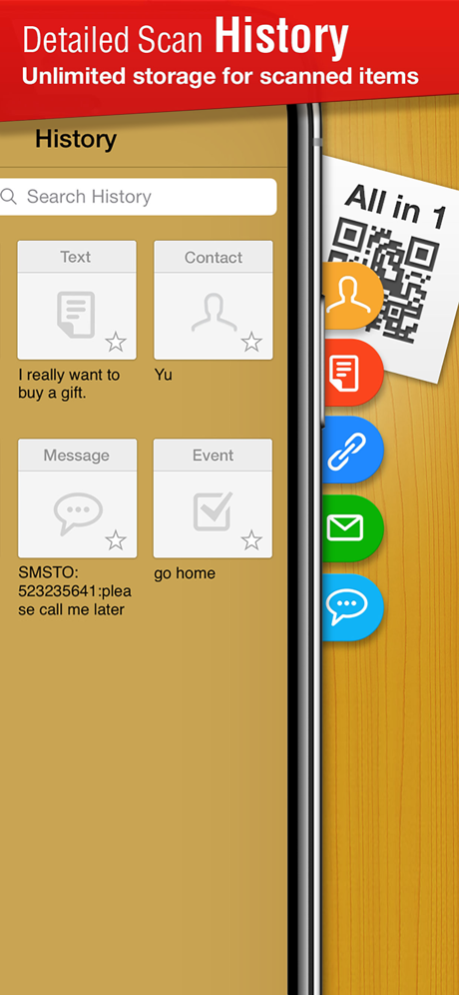
- Unlimited storage for scan history
- Save useful and favorite QR codes for future reference
- Share by mail and text message
Mar 15, 2022
Version 1.2.14
-bug fixes.
About Quick Scan - QR Code Reader
The company that develops Quick Scan - QR Code Reader is Healive Ltd.. The latest version released by its developer is 1.2.14.
To install Quick Scan - QR Code Reader on your iOS device, just click the green Continue To App button above to start the installation process. The app is listed on our website since 2022-03-15 and was downloaded 10 times. We have already checked if the download link is safe, however for your own protection we recommend that you scan the downloaded app with your antivirus. Your antivirus may detect the Quick Scan - QR Code Reader as malware if the download link is broken.
How to install Quick Scan - QR Code Reader on your iOS device:
- Click on the Continue To App button on our website. This will redirect you to the App Store.
- Once the Quick Scan - QR Code Reader is shown in the iTunes listing of your iOS device, you can start its download and installation. Tap on the GET button to the right of the app to start downloading it.
- If you are not logged-in the iOS appstore app, you'll be prompted for your your Apple ID and/or password.
- After Quick Scan - QR Code Reader is downloaded, you'll see an INSTALL button to the right. Tap on it to start the actual installation of the iOS app.
- Once installation is finished you can tap on the OPEN button to start it. Its icon will also be added to your device home screen.
Program Details
System requirements
Download information
Pricing
Version History
version 1.2.14
posted on 2022-03-15
Mar 15, 2022 Version 1.2.14
-bug fixes.
version 1.2.13
posted on 2021-03-16
Mar 16, 2021 Version 1.2.13
bug fixes
version 1.2.12
posted on 2020-06-28
28 Jun 2020 Version 1.2.12
bug fixes
version 1.2.12
posted on 2020-06-28
Jun 28, 2020 Version 1.2.12
bug fixes
version 1.2.11
posted on 2020-05-14
May 14, 2020 Version 1.2.11
Bug fixes
version 1.2.10
posted on 2020-03-05
Mar 5, 2020 Version 1.2.10
Bug fixes
version 1.2.9
posted on 2019-08-26
Aug 26, 2019 Version 1.2.9
bug fix
version 1.1.6
posted on 2011-12-17
version 1.2.12
posted on 1970-01-01
2020年6月28日 Version 1.2.12
bug fixes
version 1.2.10
posted on 1970-01-01
2020年3月5日 Version 1.2.10
Bug fixes
